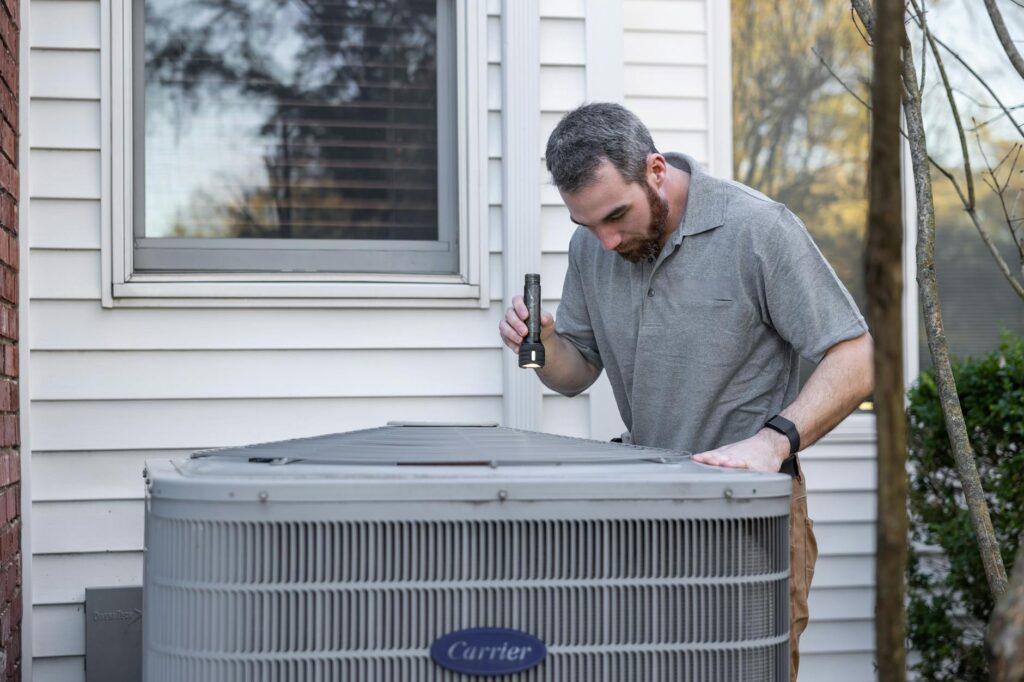
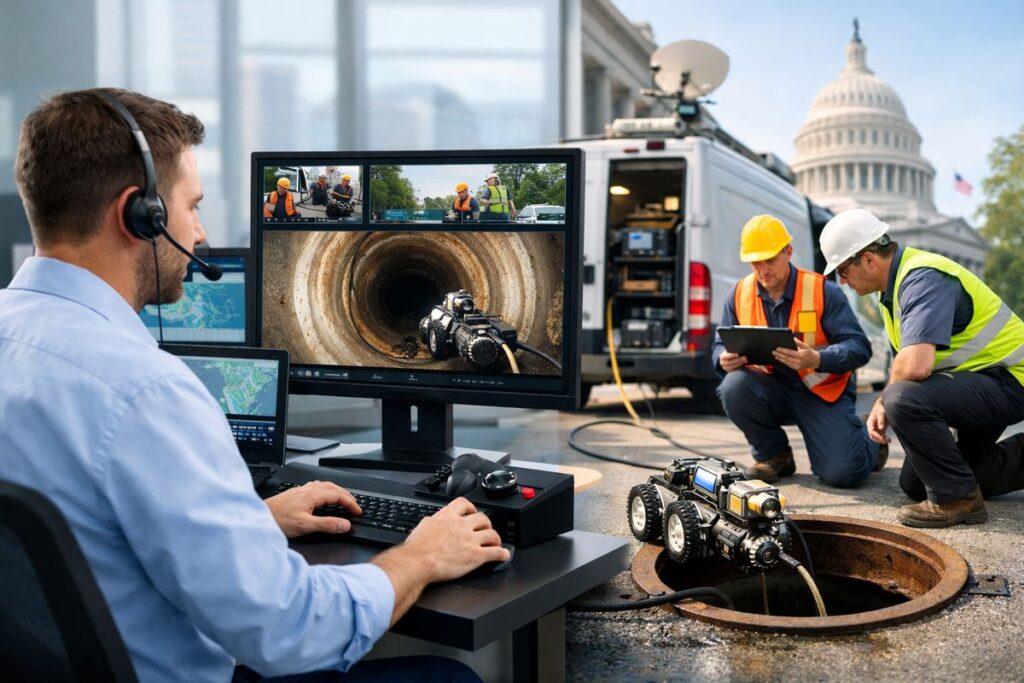
A remote video inspection is a real inspection done from a different location, with the inspector using live video instead of driving to the site. If you deal with permits, housing, code, or compliance work, remote video inspection matters for one simple reason: it can speed up routine inspections without turning the process into a free-for-all. Done right, it keeps standards in place and cuts a lot of wasted motion.
What Remote Video Inspection Means in Government
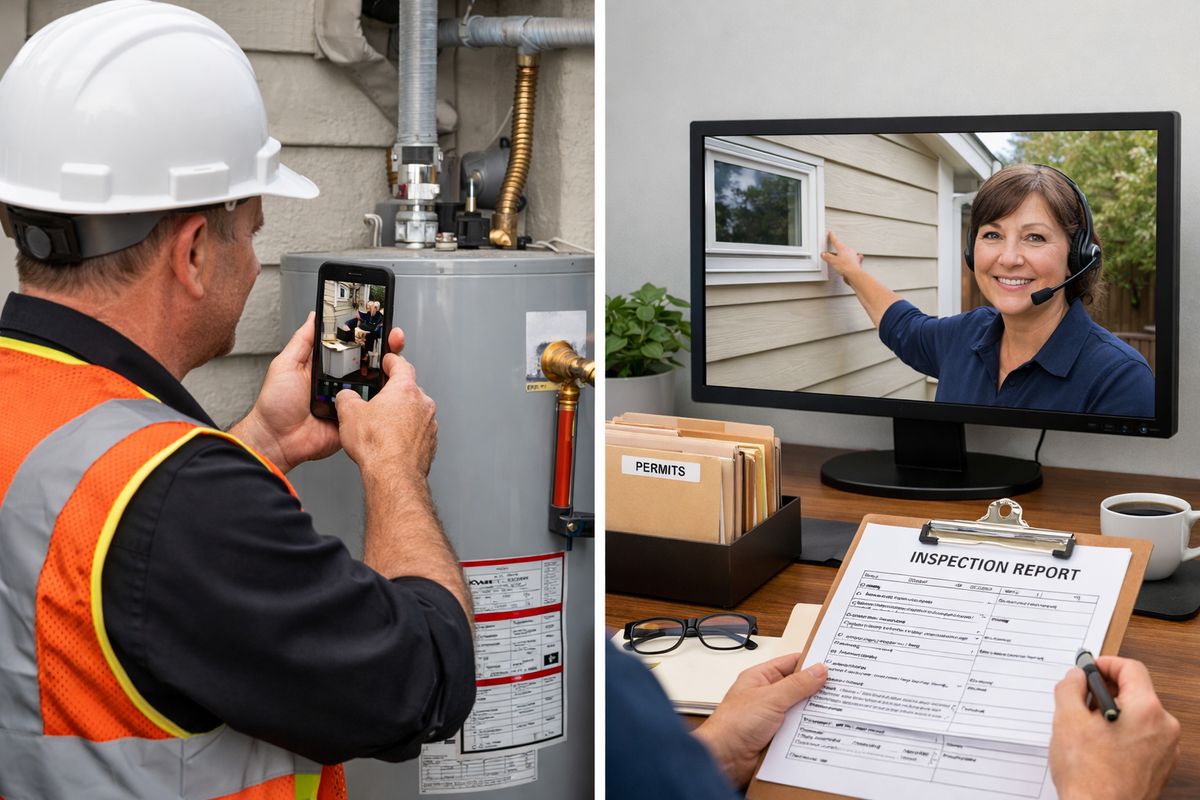
In government, remote video inspection usually means an inspector reviews a site through a live video connection while someone on site walks the space with a phone or tablet. That person shows the work, opens access points, follows directions, and gives the inspector the eyes and hands needed to complete the visit remotely.
The idea is straightforward. It is still an inspection. The checklist still matters. The code still matters. The result still goes into your official system. The only real change is that the camera stands in for travel.
You will see this most often in building departments, housing programs, code enforcement, and other compliance settings where a lot of the job comes down to visual confirmation. A corrected outlet. A replaced water heater. A follow-up on a cited property condition. A housing quality standards walkthrough where the visible condition is the key question.
Think of it like a video call, but with a government record attached to it. That last part is the difference that matters.
Why Government Agencies Use Remote Video Inspection
Most agencies do not start looking at remote inspections because the technology sounds exciting. The usual reason is much more practical: schedules are packed, staff time is tight, and too many site visits are simple enough that the drive takes longer than the actual inspection.
That is exactly where remote video inspection earns its keep. It helps you move straightforward inspections faster, avoid unnecessary repeat trips, and keep service running when weather, staffing gaps, or other disruptions throw the normal schedule off course. National county guidance has pointed to staffing challenges in rural counties as one of the clearest reasons this model has gained traction.
The value is not that every inspection becomes remote. The value is that eligible inspections stop clogging the same queue as everything else.
Where It Fits Best
Remote video inspection works best when the scope is visually verifiable and the risk is manageable. In plain English, if the inspector can confidently decide pass, fail, or correction based on what can be seen clearly on camera, it is a good candidate.
That often includes building re-inspections, housing quality standards follow-ups, code enforcement follow-ups, minor plumbing or electrical work, water heater replacements, solar tie-ins, some mechanical work, and similar low-complexity jobs. In Los Angeles County, remote inspections reportedly make up 20% to 40% of eligible inspections, with especially heavy use in exactly those kinds of scopes.
This is also why agencies often start small. Re-inspections are a natural first use case because the correction has already been identified. The remote visit is usually about confirming that the fix happened.
Where It Usually Does Not Fit
Not every inspection belongs on video, and pretending otherwise is how programs lose trust.
Unsafe sites still need in-person handling. Complex structural conditions usually do too. If the work is hidden behind walls, buried underground, dependent on smell, touch, sound, physical testing, or precise measurement, a live video call may not be enough. A weak signal can also ruin an otherwise simple inspection. So can poor lighting, limited access, or a site contact who cannot follow directions.
The cleanest rule is this: if the evidence on screen is not good enough to support a confident decision, the inspection should switch to in-person.
How a Remote Video Inspection Works, Step by Step
For most government programs, the workflow is simpler than it sounds. There are a few moving parts, but the basic pattern stays the same from agency to agency.
1. The Inspection Gets Scheduled
The process usually starts when an inspection request comes in and staff determine that the scope is eligible for remote review. An appointment window is set, and the site contact receives instructions along with a join link by text or email.
Many programs now avoid app downloads because that extra step loses people fast. Browser-based tools and secure SMS links are popular for exactly this reason. A lot of inspection-specific platforms are built around no-app access, which removes one of the biggest adoption barriers for residents and contractors.
The scheduling piece matters more than it seems. If your process is vague, remote inspections become a long chain of missed texts, dropped calls, and confused site contacts. If your process is clear, the appointment feels almost boring. That is a good sign.
2. The Site and Device Get Ready
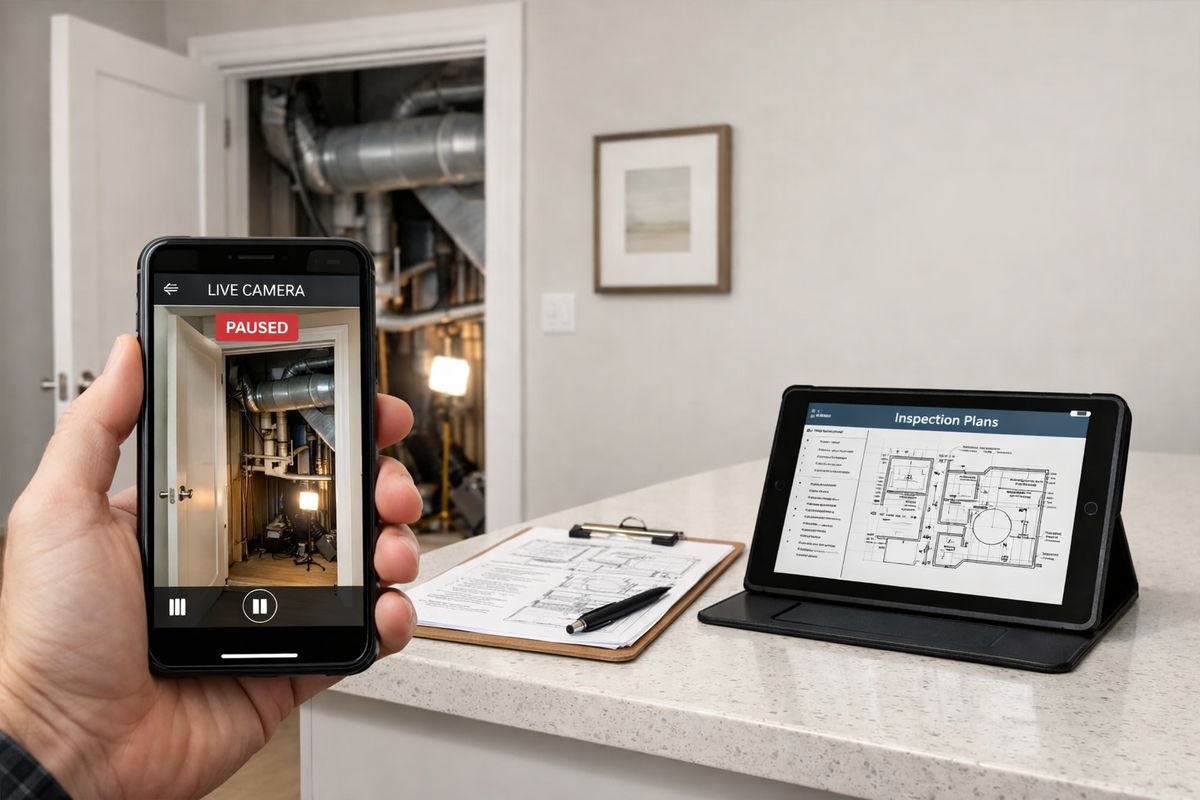
Before the call starts, the site needs the same kind of basic prep that makes any video call work: a charged device, stable internet, camera and microphone permissions turned on, and enough light to show the work clearly.
Permit documents, approved plans, and anything else the inspector may need should already be on hand. If an access panel needs to be opened, it should be open. If a ladder is needed for safe viewing, it should already be available. Portland’s residential remote re-inspection model is very direct about this kind of preparation, including device readiness and basic tools on site.
Honestly, this part is less about technology than common sense. A remote inspection can fail for the same reason a Sunday call with family fails: weak signal, bad lighting, and somebody walking too fast with the phone.
3. Identity and Location Are Verified
To create trust in the process, remote inspections usually start by confirming the right site and the right permit.
That can mean showing the street, house number, building exterior, permit paperwork, or unit identifier before moving inside. Some programs strengthen the record with GPS, geotagging, time stamps, or date stamps. Guidance tied to International Code Council practices has emphasized street view and address confirmation as a practical first step.
This verification step is not red tape for its own sake. It is what turns a loose video call into an official, defensible inspection.
4. The Live Walkthrough Happens
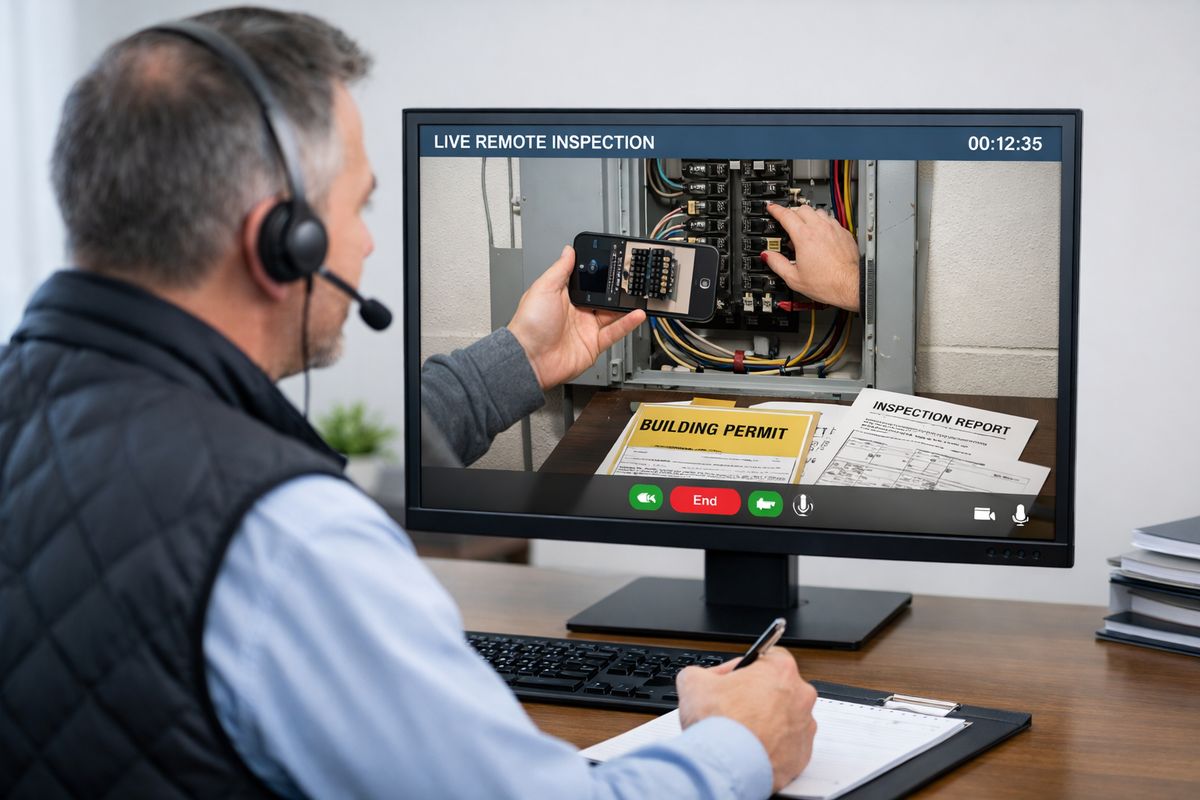
Once the session starts, the inspector directs the walkthrough in real time. The person on site, often called a proxy, handles the camera and follows instructions about where to point it, when to zoom in, when to step back, and what details need a closer look. A proxy is simply the person on site acting as the inspector’s camera operator.
This is where remote inspection feels most like the real thing. The inspector might ask to hold on a connection point for three extra seconds, tilt the camera upward, open the electrical panel, or back up six feet for context. Some platforms also allow still-photo capture, freeze-frame review, or on-screen notes during the session.
The trick is pace. A slow pan beats a shaky close-up every time. If you want a deeper look at what affects the quality of the result, it helps to understand what changes the reliability of video-based reviews.
5. Findings Are Documented and the Result Is Issued
After the walkthrough, the inspector documents findings just as with an on-site visit. Notes are entered, required images are saved, pass or fail items are recorded, and the final result is pushed into the permitting or case management system.
Purpose-built platforms go further than a standard video meeting. Some automatically store high-resolution images, audio, timestamps, and geo-stamps so the inspection record is easier to defend later. That is the line between “a call happened” and “there is a complete inspection file.”
In strong programs, the result moves quickly. Portland, for example, posts remote re-inspection results into the permitting system right away and makes the report available immediately after the decision.
What You Need on the Ground for a Smooth Inspection
Software matters, but the on-site setup decides whether the inspection feels efficient or chaotic.
A Person Who Can Follow Direction on Camera
The on-site contact has an outsized role in remote inspection. If that person listens well, moves carefully, and shows exactly what is requested, the process can feel surprisingly smooth. If that person guesses, rushes, or keeps pointing the camera at the wrong thing, even a simple inspection turns into a slog.
The best proxy is not necessarily the most technical person on site. It is the person who can follow clear instructions without improvising. HUD’s remote inspection training for housing programs leans heavily on that point, because communication quality often decides whether the inspection works at all.
A Phone, Tablet, or Browser-Based Connection
In many jurisdictions, a standard smartphone is enough. A tablet can be even easier if the screen is larger and the battery is stronger. Some agencies run pilots on familiar meeting tools like Microsoft Teams, Zoom, Google Meet, WebEx, FaceTime, or WhatsApp. Others move to inspection-specific software once the need for records, evidence capture, and workflow controls becomes obvious.
That shift matters because a general video platform is not designed around permitting, compliance, or defensible evidence. If you are comparing tools, it helps to review the features government teams usually end up needing.
A Reliable Connection, Lighting, and Access
Small details decide the outcome. Strong signal. Good light. Safe access. Panels unlocked. Rooms open. Equipment reachable. If any of that falls apart, the inspection drags or fails.
This is why remote inspection is not just a software purchase. It is a process design problem. The technology has to fit the reality on the ground, including older phones, basement mechanical rooms, rural dead zones, and people who are not especially comfortable on camera.
What Makes Remote Video Inspection Software Different From a Regular Video Call
A plain video chat can work for a pilot. For a full government program, that is usually not enough.
Secure Access and Minimal Friction
The best remote inspection software makes joining easy and controlled at the same time. A secure text link, a browser-based connection, no required download, and minimal setup for the person on site all make adoption much easier.
That matters because your users will not all be contractors with the latest phone and perfect signal. Some will be residents on older devices. Some will be landlords juggling multiple properties. Some will open the link at 7:58 a.m. from a driveway in spotty coverage. The easier the join process, the higher the completion rate.
Documentation That Holds Up
Government inspections need a record that lasts longer than the call. That means image capture, timestamps, geolocation or geostamps where appropriate, notes, and records that can be retrieved later if a result is challenged.
A lot of teams learn this the hard way. A simple meeting platform can show live video, but it often lacks the evidence layer that an official inspection needs. Purpose-built systems create a clear audit trail, which is what turns video into usable case documentation.
Integration With Permitting and Case Systems
If your staff has to retype notes, reattach images, and manually update the permitting system after every inspection, you have not really solved the workflow problem. You have just moved the paperwork.
The better fit is software that connects to scheduling, permitting, reporting, and case systems so the inspection record flows into the right place automatically. Some platforms now add extras like automated reporting, AI-assisted defect detection, and AR annotations. Nice to have, sure. But the main event is still the boring stuff: scheduling, evidence capture, and record sync.
You will usually get better long-term results from software that fits public-sector process and reporting needs than from a generic communications tool.
The Biggest Benefits for Government Teams
Remote video inspection earns attention because the upside is operational, not theoretical.
Faster Turnaround and Fewer Delays
For eligible inspections, remote workflows can shrink the gap between request and result. That is especially true for re-inspections and low-complexity final checks, where travel time often eats more of the day than the inspection itself.
The immediate effect is less stop-and-start delay for contractors and residents. The bigger effect is permit flow. When simple inspections move faster, the whole queue gets healthier.
Better Use of Limited Staff Time
If inspectors spend hours driving between short visits, your capacity is capped before the day even starts. Remote video inspection gives some of that time back.
This can be a huge win in large or rural jurisdictions. County-focused guidance has noted that remote inspections can let inspectors spend more time inspecting and less time driving, which helps productivity without adding headcount. In San Diego, remote virtual inspections reportedly saved inspectors 40-plus hours per week by cutting travel and scheduling gaps.
Less Travel and Lower Administrative Drag
Fewer truck rolls are the obvious benefit, but the admin savings matter too. Less windshield time means fewer coordination calls, fewer long arrival windows, and less dead time between appointments.
Research from SightCall points to a 50% reduction in truck rolls and a 69% reduction in time to issue resolution in remote video workflows. Those figures come from a broader inspection and service context, not just local government, but the pattern is familiar: if you remove travel from eligible jobs, response time improves fast.
More Service Continuity During Disruption
Severe weather, post-disaster recovery, staffing shortages, illness, retirements, temporary closures, sudden surges in volume, all of these can disrupt in-person inspection schedules.
Remote inspection gives you another lane. Not for everything, but for enough eligible work to keep programs moving when normal field operations get squeezed. That resilience is one of the strongest arguments for a hybrid model.
The Limits, Risks, and Common Misunderstandings
Here’s the thing: remote inspection gets oversold when people talk about it like magic. It is useful, not magical.
Remote Video Inspection Is Not “No-Contact Automation”
An inspector is still involved. An inspector still directs the process. An inspector still makes the decision and owns the result.
The camera changes the inspector’s location, not the accountability. That distinction matters, especially when somebody assumes remote inspection means less scrutiny. It does not. If anything, it often requires more deliberate documentation.
It Does Not Replace Every Inspection Type
Some conditions just do not show up well on video. Hidden defects, subtle structural movement, areas with poor line of sight, low-light conditions, and anything requiring physical verification may still need an on-site visit.
That is why strong programs do not force every inspection into the same channel. They use remote where it fits and switch quickly when it does not. If you are sorting out that boundary, it helps to look at where hybrid inspection models tend to work best.
Policy, Privacy, and Recordkeeping Still Matter
Even if the call itself feels casual, the records are not. You still need clear rules for approved platforms, data retention, evidence storage, access controls, and avoiding unnecessary personal information on screen.
A phone camera pointed carelessly around a home or jobsite can reveal more than the inspection requires. Good programs set boundaries, give staff scripts, and choose tools with controls that make compliance easier. That is where privacy checks for inspection platforms start to matter a lot.
Best Practices That Make Remote Inspections Work
The agencies that get good results tend to treat remote inspections as an operational system, not just a tech feature.
Start With a Clear Eligibility Policy
Write down which inspection types qualify, which do not, and when an inspector can convert a remote appointment to in-person. That keeps the program consistent and protects staff from having to argue case by case on every request.
A narrow starting scope is usually smarter than a giant launch. Re-inspections, simple finals, and visually obvious corrections are often the cleanest place to begin.
Use a Simple Inspection Script
A repeatable sequence makes the call smoother and the record cleaner. Verify the address. Confirm permit details. Review safety. Start outside. Move room by room. Capture required views. Confirm completion. Enter the result.
HUD-style training for remote housing inspections emphasizes scripts and practice runs for good reason. A script does not make the inspection robotic. It keeps the basics from getting missed.
Train for Camera Movement, Not Just Code Knowledge
Remote inspection is partly a communication skill. The inspector has to give clear visual directions. The proxy has to move the camera slowly, hold focus, show scale, and avoid rushing past the key detail.
This sounds minor until you watch a bad session. Then it becomes obvious. A shaky five-second sweep of a water heater tells you almost nothing.
Build Accessibility and Accommodation Into the Process
Not everybody has the same device, bandwidth, language support, mobility, or comfort with technology. A workable program accounts for that from the start.
That means simple instructions, alternatives when remote is not practical, and an easy fallback path to in-person service. The goal is better access, not a new barrier.
How Government Programs Are Using It Right Now
Remote video inspection is no longer a niche experiment. It is showing up in regular government workflows across multiple program types.
Municipal Building Departments
Building departments are the most visible example. Many city and county programs now offer remote inspections for selected permits, corrections, and re-inspections. Some use Microsoft Teams or similar tools for scheduled appointments, with clear prep instructions and defined eligibility rules.
In California alone, SPUR reported that at least 19 jurisdictions offer remote inspections for at least some permit types or scopes of work. That is not a temporary workaround anymore. That is program design.
Housing and Compliance Programs
Housing and compliance programs use remote inspection a little differently, but the logic is similar. If the main question is visual confirmation, and a proxy can guide the walkthrough, remote review can support housing quality checks, follow-up visits, and certain compliance workflows without a full site trip.
This tends to work best when the process is scripted and the site contact understands the pace of the inspection before the call starts.
Rural, High-Volume, and Post-Disaster Settings
Remote inspection becomes even more useful when geography or urgency turns travel into the real bottleneck. Rural jurisdictions can cover more ground without adding hours on the road. High-volume departments can clear simpler jobs faster. Post-disaster recovery programs can keep lower-risk inspections moving while staff focus on the hardest cases.
One concrete sign of where this is heading: San Diego conducted more than 4,000 virtual inspections in 2025, roughly 10% to 12% of all single-family and duplex inspections. That is not hypothetical. It is already happening at scale.
What to Look For if You’re Choosing Remote Inspection Software
If you are evaluating tools, the best question is not “Can this do video?” Almost anything can do video. The real question is “Can this support your inspection process without creating a second mess?”
Ease of Use for Residents, Contractors, and Staff
Low-friction joining matters. Mobile-friendly screens matter. Clear instructions matter. If the tool is annoying to access, your program stalls before the inspection begins.
This is one place where simple wins. A secure text link that opens in a browser often beats a more elaborate setup, especially for occasional users.
Security, Verification, and Audit Trail
You need controls that fit public work: role-based access, secure links, captured evidence, timestamps, geolocation where appropriate, and records that can be reviewed later if an outcome is questioned.
Consumer video apps can feel convenient, but convenience is not the same as compliance. When you are reviewing vendors, pay close attention to security and retention details, not just call quality.
Workflow Fit, Reporting, and Integration
The software should support your actual process, scheduling, reminders, inspection forms, evidence capture, documentation, reporting, and system connections. If it forces staff into a whole new maze, adoption will drop.
The best fit feels like swapping a paper clipboard for a better one. Same job, cleaner workflow.
Flexibility for Hybrid Inspection Programs
The strongest programs are hybrid. Some inspections stay in person. Some move remote. Some start remote and switch when the evidence is not clear enough.
Your software should make that easy, not awkward. You want one process that can bend, not two separate systems fighting each other.
Common Questions About Remote Video Inspection in Government
Is remote video inspection legally acceptable?
That depends on your jurisdiction, your program rules, and the inspection type. Many jurisdictions already allow remote inspections for eligible scopes, but the policy framework matters. The safest approach is to define eligibility clearly and document the process.
Does the person on site need special equipment?
Usually not. In many cases, a smartphone with a camera, microphone, and stable connection is enough. Some programs may ask for basic tools, access to permit documents, or a specific platform link, but the hardware burden is often pretty light.
Can remote inspections be recorded?
Yes, some programs capture photos, timestamps, audio, or video as part of the official record. The exact approach depends on local policy, platform settings, and record retention rules. The point is to create usable documentation, not just hold a live call.
What’s the best first step if you want to try it?
Start with one narrow inspection type, such as eligible re-inspections or simple finals. Test the scheduling, joining, verification, walkthrough, and documentation process end to end. Then expand only after the workflow feels boring in the best possible way.
Frequently Asked Questions
How is remote video inspection different from a virtual meeting?
A virtual meeting is just communication. A remote video inspection is a formal inspection workflow with verification, live direction, documentation, and a recorded result inside your permitting or case process. The difference is the audit trail.
What inspection types are easiest to move remote first?
Re-inspections, simple corrections, minor mechanical or plumbing work, water heaters, solar tie-ins, and other visually clear scopes are usually the easiest place to start. If the inspector can make a confident call from what is visible on camera, the fit is much better.
What causes remote inspections to fail?
The usual problems are weak internet, poor lighting, no access to the area being inspected, missing plans or permit details, and shaky camera work. Most failed sessions are not about code at all. They are basic prep problems.
Does remote inspection lower standards?
No. The standard should stay the same. The location of the inspector changes, but the requirement to verify the work does not. If the video evidence is not clear enough, the inspection should move to in-person.
Can remote video inspection work for housing programs and CBOs too?
Yes, especially for visual follow-ups, housing quality reviews, and compliance workflows where a site contact can guide the camera. The better the script and the clearer the role of the proxy, the smoother it goes.
How do you know when to switch back to an in-person visit?
Use a simple rule: if the inspector cannot clearly verify the condition through video, stop guessing and schedule the site visit. A hybrid program works because it uses remote when it fits and does not force it when it does not.
If you want to test remote video inspection in a real workflow, start with one narrow use case and run it end to end on an actual permit or re-inspection process. For a hands-on option built around secure links, evidence capture, and government inspection workflows, try the Blitzz Trial.