A full inspection day can disappear in the windshield. You leave for one site, get delayed at another, then spend half an hour on a stop that really only needed a camera, a few documents, and five clear views of the work. That is exactly where government remote inspections make sense: when you can verify what matters through live video, photos, and records without giving up trust, safety, or a defensible result.
Government remote inspections are inspections completed partly or fully without the inspector physically standing on-site. In practice, that usually means a scheduled video session, pre-shared documents, guided camera views, captured images, and a clear outcome: pass, correction notice, or on-site follow-up. The real question is not whether remote inspections can replace everything. It is where they fit best.
Here’s what you’ll learn in this guide:
- Where remote inspections work best
- Where remote inspections fall short
- How a typical remote workflow runs
- How to sort work into remote, hybrid, or on-site
- What makes a program succeed
- What to look for in inspection software
What Government Remote Inspections Actually Do Well
Remote inspections do one job very well: they cut out unnecessary travel when the evidence is mostly visual and the process is repeatable. If the inspector can direct the person on-site to show the right angle, zoom in on the right detail, and share the right documents before the call, a lot of routine work moves faster without becoming sloppy.
That matters more than it sounds. In many agencies and CBOs, the real bottleneck is not inspection knowledge. It is time lost between appointments, reschedules, missed access, and simple revisits that do not justify a truck roll. A remote workflow gives you another option for those moments.
The catch is that remote inspection is not a magic trick. It works best when the subject is visual, standardized, document-rich, and low to moderate risk. If the work depends on touch, testing, sampling, or a close read of site conditions that a camera cannot reliably capture, you still need boots on the ground.
How Remote Inspections Work in Practice
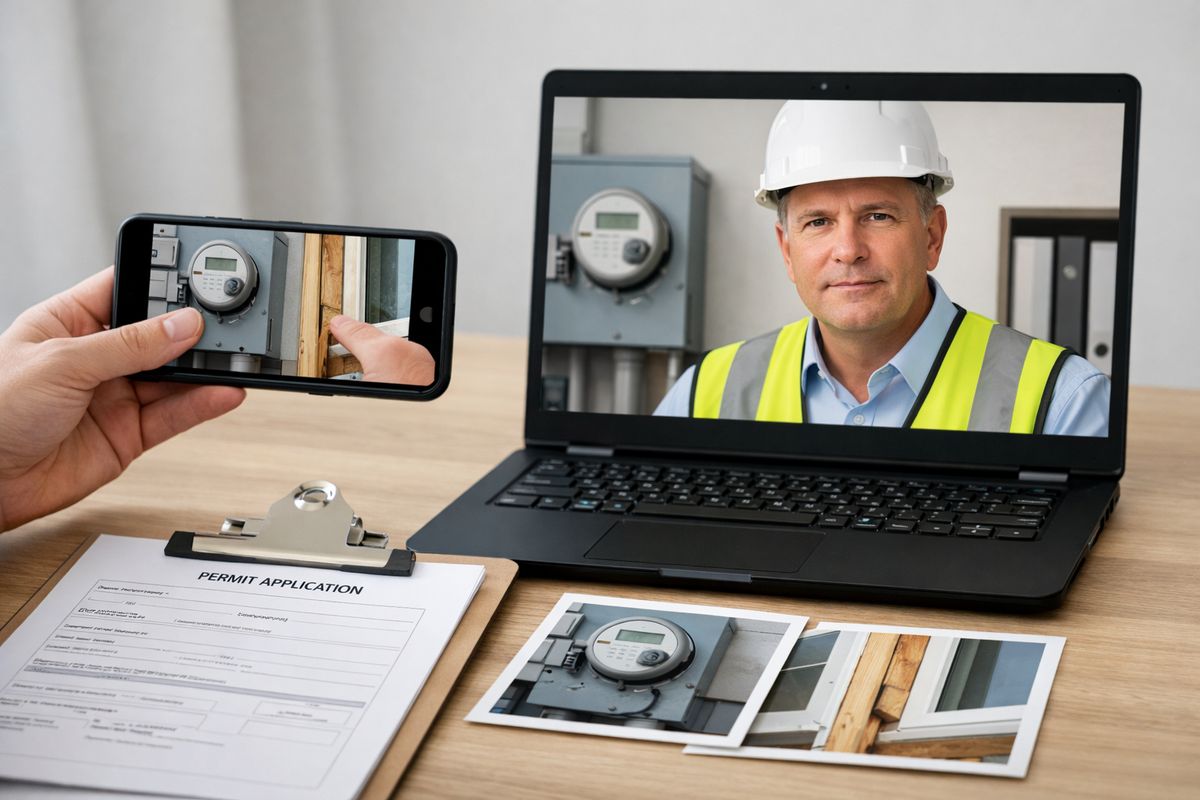
Most remote inspection programs look less exotic than expected. The process is usually a normal inspection workflow with a video layer and tighter prep. You schedule the appointment, gather documents ahead of time, connect by phone or tablet, walk the site under inspector direction, capture evidence, and record the outcome in the same case file you already use.
That is why adoption tends to go better when you treat remote inspection as an operational process, not just a video call. The software matters, but the workflow matters more.
The Basic Remote Inspection Flow
A remote inspection usually starts with scheduling and eligibility screening. You confirm that the inspection type qualifies, the site has enough connectivity, and the person on-site can safely follow directions. Before the appointment, plans, permits, product sheets, prior correction notices, or test reports get uploaded and named clearly.
During the live session, the inspector guides the camera in real time. That may include showing the address, permit card, room location, equipment labels, clearances, fastening details, meter readings, or completed corrections from a prior failed visit. Photos or screenshots get captured along the way, and any missing evidence gets flagged before the session ends.
After that, the outcome is straightforward: approved, partial approval, corrections required, or conversion to on-site inspection. If you want a deeper look at the mechanics, this plain-English breakdown of how remote video inspections run in government helps connect the workflow to day-to-day inspection work.
The Tech Stack You Usually Need
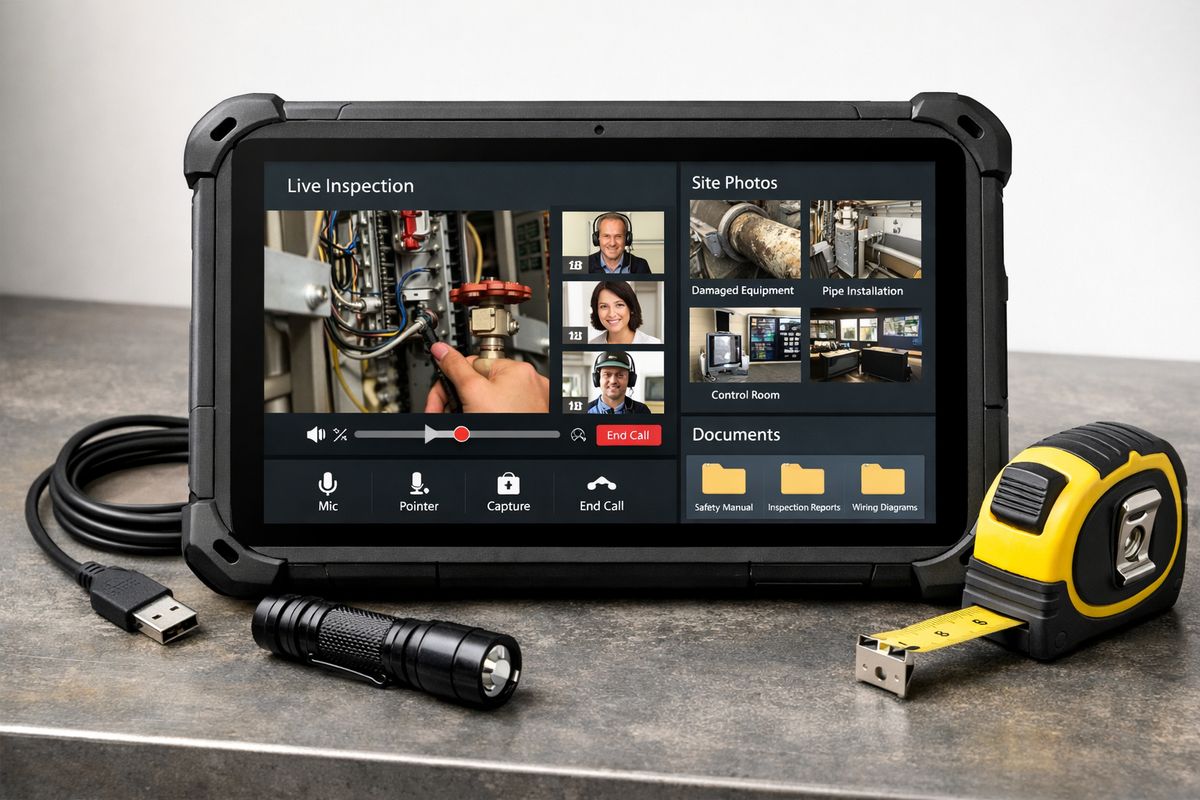
The basic setup is refreshingly simple. You usually need a phone or tablet with a decent camera, a full battery or charger, and a stable 4G connection or better. Many agencies use common tools such as Zoom or Teams, while others use inspection-specific platforms with built-in case tracking and evidence capture.
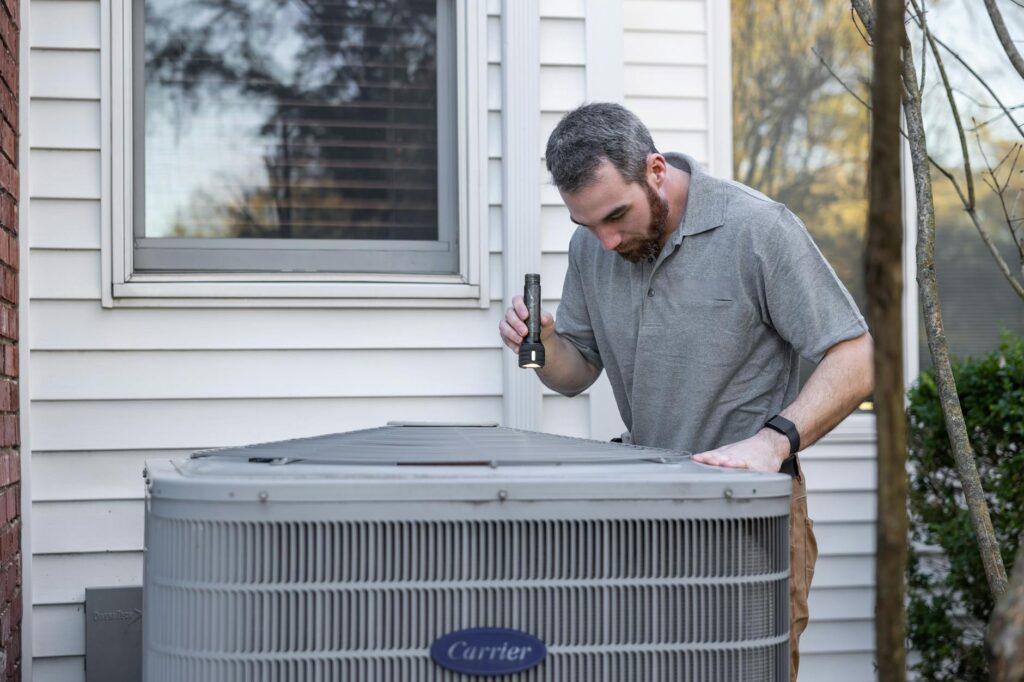
A few practical extras make a big difference: a flashlight for dark mechanical spaces, a tape measure for quick dimension checks, a ladder when safe access is needed, and screen sharing for plan sheets or correction notes. None of this is fancy. It is more like showing up with the right tools in your glove box so the appointment does not fall apart over something predictable.
Where Government Remote Inspections Work Best
Here is the direct answer: remote inspections shine when the work is visual, standardized, document-rich, and low to moderate risk. If that sounds narrow, it is not. That covers a meaningful share of public sector inspection work.
Routine Building and Permit Inspections
This is one of the strongest fits. Re-inspections for corrected items, simple residential permit checks, energy code confirmations, and other visual verifications often work well remotely because the inspector already knows what to look for and can guide the camera to each required detail.
Think about a small residential job at 10:15 on a Tuesday morning. If the inspector only needs to verify corrected GFCI protection, attic insulation depth, equipment labeling, or a visible fastening detail, a remote session can be faster for everybody involved. You avoid wasted travel and keep the inspection queue moving. Many jurisdictions already use remote virtual inspections for exactly this kind of work in states across the country, not just as a temporary fix but as an ongoing option, as noted in multiple U.S. states.
Rural Jurisdictions and Wide Service Areas
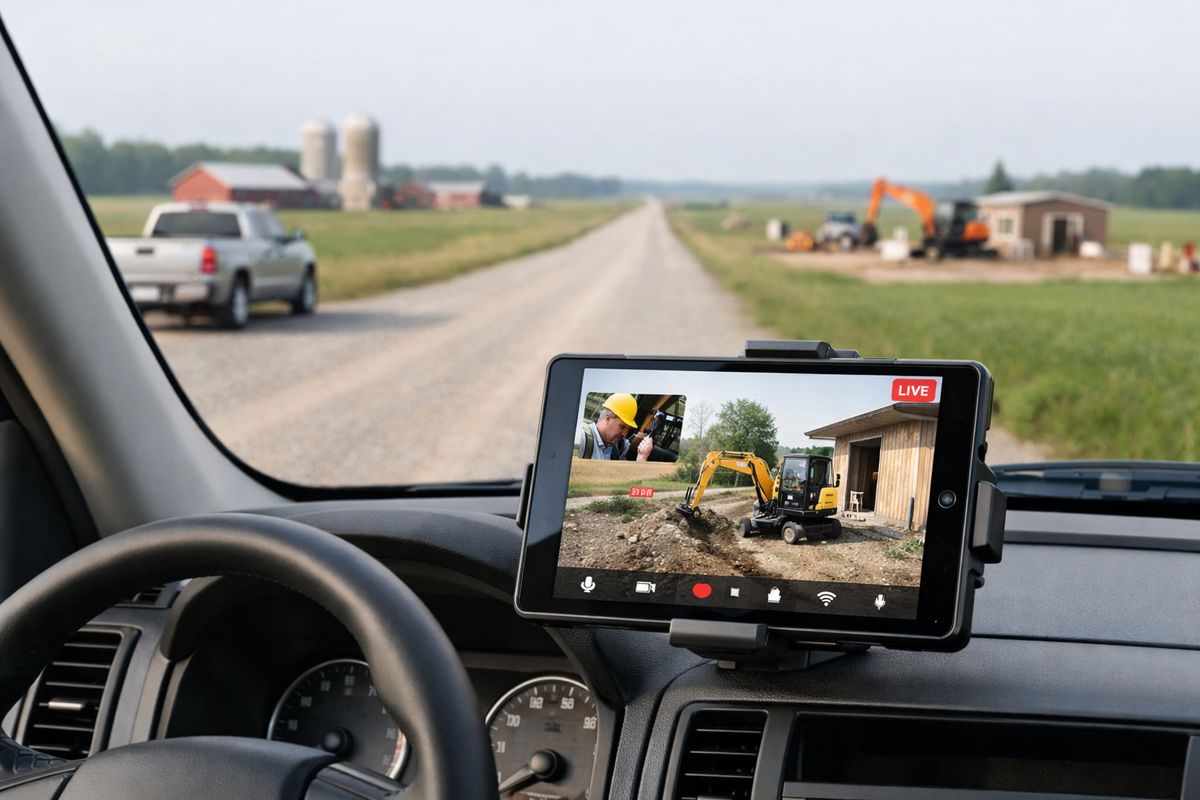
Remote inspections are especially useful when your territory is big and your staff is not. In rural jurisdictions, one inspector can lose hours in a single day just driving county roads between scattered sites. That travel time is expensive, but more than that, it steals capacity from actual inspection work.
This is where the value gets obvious. In Nebraska pilot work highlighted by NACo, inspectors spent more time inspecting and less time driving, which is the whole point. Remote options are not just a convenience here. They are a capacity tool. In Nebraska pilot work, the practical gain was simple: less road time, more completed inspections.
Construction Progress and Capital Project Oversight
Construction oversight is another strong fit, especially for progress checks, preview inspections, punch-list review, and issue spotting between site visits. You are not trying to force every milestone into a remote format. You are using remote methods to keep projects moving when a full visit is unnecessary.
The GSA pilot is a good example of this approach at scale. Across projects nationwide, the program captured more than 80,000 photos to support remote review. That is not just a nice archive. It is evidence that remote oversight can support scheduling, documentation, and progress tracking in a disciplined way.
Regulated Facilities and Compliance Reviews
Some regulated inspections are surprisingly well suited to remote methods, at least for part of the process. If your review depends heavily on records, interviews, visual walkthroughs, equipment labels, posted procedures, or documented controls, a remote or hybrid model can work well.
That is one reason remote oversight has stuck in highly regulated environments after the pandemic period. Health and regulatory authorities used remote methods to validate data, review facilities, and maintain continuity when travel was constrained. The broader lesson is simple: when records and live visual verification carry a large share of the inspection burden, remote review can do real work instead of just filling time.
Hard-to-Reach or Higher-Hazard Assets
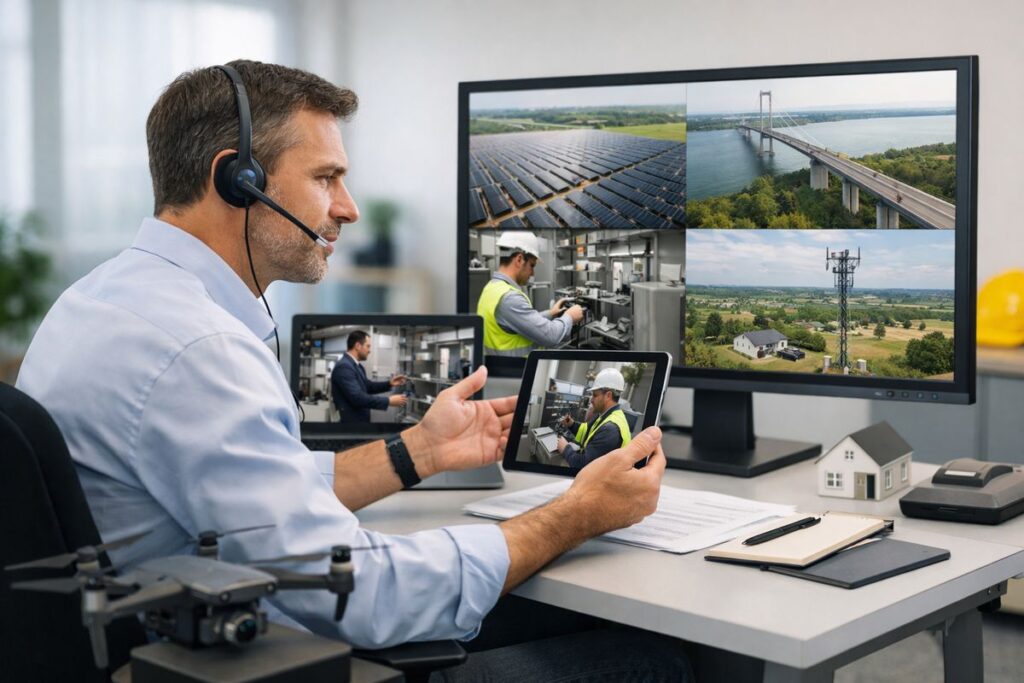
Some assets are expensive, awkward, or risky to inspect in person. Rooftops, utility corridors, bridges, linear infrastructure, and other hard-to-reach locations often benefit from drones or remote visual tools because safer access is a real operational win.
But the footage has to be good enough to support decisions. If the image is blurry, the angle is wrong, or the environmental conditions hide the issue, safer access does not help much. That is why accuracy matters so much in these scenarios. If you are weighing that tradeoff, it helps to understand what affects visual inspection reliability before setting policy around remote evidence.
Where Remote Inspections Usually Fall Short
A good remote program gets stronger when you are honest about its limits. This is where a lot of teams either build trust or lose it.
Hands-On Verification and High-Risk Conditions
Some inspections simply need a person there. If the work calls for physical testing, tactile confirmation, sampling, calibrated measurement, or direct assessment of a hazardous condition, remote methods are not enough.
That includes many life-safety issues, complex failures, and high-risk environments where the consequence of missing something is too high. A camera can show a lot. It cannot feel vibration, verify torque, take a sample, or substitute for hands-on judgment in a dangerous setting.
Weak Connectivity, Poor Video, and Communication Gaps
A remote inspection is only as strong as the evidence you can actually see and hear. Weak signal, lag, poor lighting, bad framing, and unclear direction can turn a simple verification into a guessing game fast.
That is not just a minor annoyance. Survey findings from NEEP flagged inaccuracy concerns, communication problems, and inconsistent standards as major barriers. If your video quality is unreliable or your camera operator is inexperienced, even a low-risk inspection can become messy.
Complex Sites With Too Many Variables
Remote work gets harder when the site is crowded, active, and full of moving parts. Industrial facilities, large active construction sites, and inspections involving several trades at once can create confusion because the inspector cannot control the environment directly.
In those settings, small misses compound. A skipped room, an unlabeled line, a camera pan that moves too quickly, a conversation drowned out by equipment noise, and suddenly you are not sure what you actually verified. That is where hybrid models usually outperform remote-only models.
The Best Fit Test: How to Decide if an Inspection Should Be Remote, Hybrid, or On-Site
https://www.youtube.com/watch?v=WR8VA1o3VMU
The smartest agencies do not ask whether remote inspection is good or bad. You sort inspection types by fit. That approach is far more useful when you are building policy, training staff, or evaluating software.
Questions to Ask Before You Schedule
Start with a few practical questions. Can the issue be verified visually? Is the inspection scope standardized enough that your staff can follow the same sequence each time? Are the plans, permits, product data, and prior notes available before the appointment? Does the site have reliable connection and someone capable of following camera directions? Is the risk level acceptable if something is missed? Can you quickly escalate to on-site if the session fails or the evidence is unclear?
If too many of those answers are no, stop trying to force the fit. Remote inspection works best when the decision path is boringly clear.
A Simple Triage Model for Agencies and CBOs
A simple model works well in practice. Use remote for routine visual checks and straightforward re-inspections. Use hybrid for document-heavy reviews, staged construction oversight, or inspections where remote work can narrow the scope before a physical visit. Use on-site for high-risk, hands-on, or highly variable work.
That same sorting logic helps when comparing what changes and what stays the same between remote and field inspection workflows. The point is not to choose one mode forever. The point is to choose the right mode for the task in front of you.
What Makes a Remote Inspection Program Actually Work
Software alone will not save a weak process. The programs that hold up over time usually look boring from the outside, because the prep, communication, and escalation rules are already nailed down.
Pre-Inspection Prep Matters More Than the Video Call
Most failed remote inspections were headed for trouble before the session began. Missing documents, vague appointment notes, unlabeled photos, the wrong person on-site, no charger, weak signal, no plan sheet available, all of that creates avoidable friction.
Good prep is simple. Collect the documents early, use short descriptive file names, combine related files where it helps, confirm who will be on-site, and run a quick tech check before the appointment. The dry run sounds small, but honestly, it saves a lot of pain.
Real-Time Communication Is the Make-or-Break Piece
During the session, your inspector has to direct the work clearly and steadily. That means asking for slower camera movement, requesting closeups, confirming room location, repeating measurements back, and pausing when the angle is wrong.
This is where remote inspection either clicks or stalls. A good session feels like active guidance, not passive watching. If your team needs a framework for that, this guide to features that support real inspection work is useful because the best tools make those interactions easier instead of getting in the way.
Every Remote Inspection Needs a Backup Plan
Even well-run sessions fail sometimes. Signal drops. Documents are missing. Conditions change on-site. The person holding the phone cannot safely reach the area that needs review.
So you need a backup. A telephone fallback is a smart baseline, and your escalation path should be explicit: continue by phone if video recovers, reschedule if evidence is incomplete, or convert to on-site if risk or uncertainty crosses the line. That kind of discipline is what keeps a remote program credible.
What to Look for in Government Remote Inspection Software
https://www.youtube.com/watch?v=unTik-7mtpc
When you evaluate software, ignore the shiny demo language for a minute. Focus on whether the tool supports the way inspections actually happen on a busy day.
Core Features That Support Field Reality
You want dependable live video, easy photo capture, annotation, document upload, scheduling support, audit trails, and case tracking. Session recording may also matter, depending on your policy and records requirements. Screen sharing helps when your inspector needs to reference plans or correction items in real time.
The best tools reduce friction during the appointment. If capturing evidence feels clumsy, if files get buried, or if inspectors have to jump between too many systems, your adoption rate will sink.
Security, Records, and Workflow Fit
Government settings bring added requirements around permissions, retention, documentation, and system compatibility. You need role-based access, defensible records, and a clean way to connect inspection evidence with your permitting or case-management workflow.
That is why software review should include a hard look at security basics for public sector tools, along with privacy, retention, and integration details. If those pieces are shaky, the nicest video interface in the world will not fix the problem.
Ease of Use for Staff and the Person On-Site
Ease of use is not a soft nice-to-have. It is one of the main predictors of whether your program survives contact with real life. Inspectors need something that works on a busy Tuesday morning without a maze of logins, downloads, and retries.
The person on-site needs the same thing. Simple links, mobile-friendly access, clear prompts, and minimal training beat feature overload every time.
Real-World Lessons From Government and Regulatory Programs
The bigger story is that remote inspection has moved beyond emergency improvisation. Structured pilots, formal participation requirements, and agency-specific playbooks show a more mature phase.
Local Government: Faster Coverage With Less Driving
Local programs keep coming back to the same benefit: more inspection coverage with less travel. That matters in rural counties, stretched departments, and places where hiring is slow and backlog pressure never really goes away.
If your staff spends too much time on the road for routine visual work, remote inspection is not a gimmick. It is a scheduling fix with real operational payoff.
Federal and Regulatory Programs: Continuity and Scale
Federal and regulatory programs show a different lesson: continuity at scale. GSA used remote tools across projects nationwide. The Federal Select Agent Program used remote methods to support oversight where documents, coordination, and live review could carry part of the load. FINRA’s pilot became even more formal in 2024, with 741 firms participating and documenting risk-based supervisory procedures.
That matters because it signals maturity. Remote oversight is becoming a governed process, not just a workaround.
Why Hybrid Models Are Sticking
Hybrid models are sticking because they match reality. Some parts of an inspection fit remote review beautifully. Some do not. So the smartest approach is not ideological. It is modular.
Use remote review for documents, progress checks, straightforward visual confirmations, and pre-visit narrowing. Reserve on-site work for the pieces that truly need physical presence. Simple, practical, defensible.
Common Mistakes to Avoid
Most expensive mistakes in remote inspection do not come from bad intentions. You usually get them from overreach, weak standards, or software-first decision making.
Treating Remote Like a Full Replacement for On-Site Work
Remote inspections are powerful, but not magical. If you treat them as a full replacement for field work, you will eventually push them into jobs they should never have touched. That is when confidence drops and every remote result gets questioned.
Skipping Standards and Inspector Playbooks
Consistency matters. Your staff needs repeatable procedures for camera guidance, evidence capture, file naming, pass or fail decisions, and escalation to on-site review. Without that, outcomes drift from inspector to inspector, and your program starts to feel arbitrary.
Buying Software Before Defining the Use Cases
This is the big one. Start with inspection types, risk levels, staffing limits, and workflow constraints. Then choose the tool that fits those realities. Not the other way around.
Pick one routine inspection type and test a remote workflow on it next. If you want to see how that can look in practice, start a Blitzz Trial and run a small pilot with a use case that is visual, standardized, and easy to verify.
Frequently Asked Questions
Are government remote inspections legally acceptable?
In many jurisdictions and programs, yes, as long as your process matches local rules, internal policy, records requirements, and inspection type. The legal answer depends on your authority, but remote inspection is already in active use across local, state, federal, and regulatory settings.
What kinds of inspections are the best candidates for remote review?
Routine visual checks, re-inspections, progress reviews, document-heavy compliance work, and low to moderate risk inspections tend to be the best fit. If the job relies on visual confirmation and clear documentation, remote review has a good chance of working well.
When should an inspection stay on-site?
Keep it on-site when the work requires physical testing, tactile verification, sampling, complex safety judgment, or direct observation in a high-risk environment. If a camera cannot reliably prove compliance, do not force a remote format.
What equipment does a remote inspection usually require?
A phone or tablet with a camera, strong battery, charger, stable 4G or better connection, and a video platform are the basics. Depending on the inspection, you may also need a flashlight, ladder, tape measure, and access to plans or other documents during the call.
How do you keep remote inspections consistent across staff?
Use playbooks. Set standard evidence requirements, camera guidance steps, file naming rules, approval criteria, and escalation rules. Consistency comes from process, not just from software.
What should you test before buying remote inspection software?
Test the whole workflow, not just the call quality. Look at scheduling, uploads, evidence capture, annotations, audit trails, retention controls, mobile usability, and how cleanly the tool fits your existing permitting or case-management process.