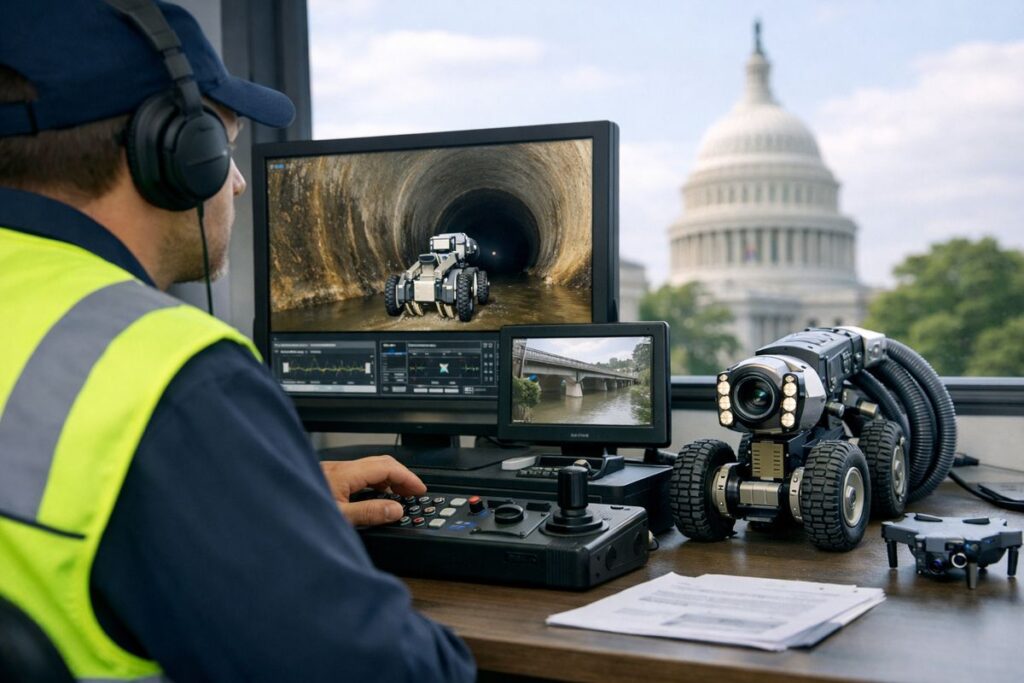
Government video inspection means checking work, property, or compliance through live video, recorded video, photos, or a mix of all three instead of always sending someone onsite. If your team is trying to move permits, housing checks, or code reviews faster without creating more chaos, this is one of the clearest fixes available.
What Government Video Inspection Means in Plain English
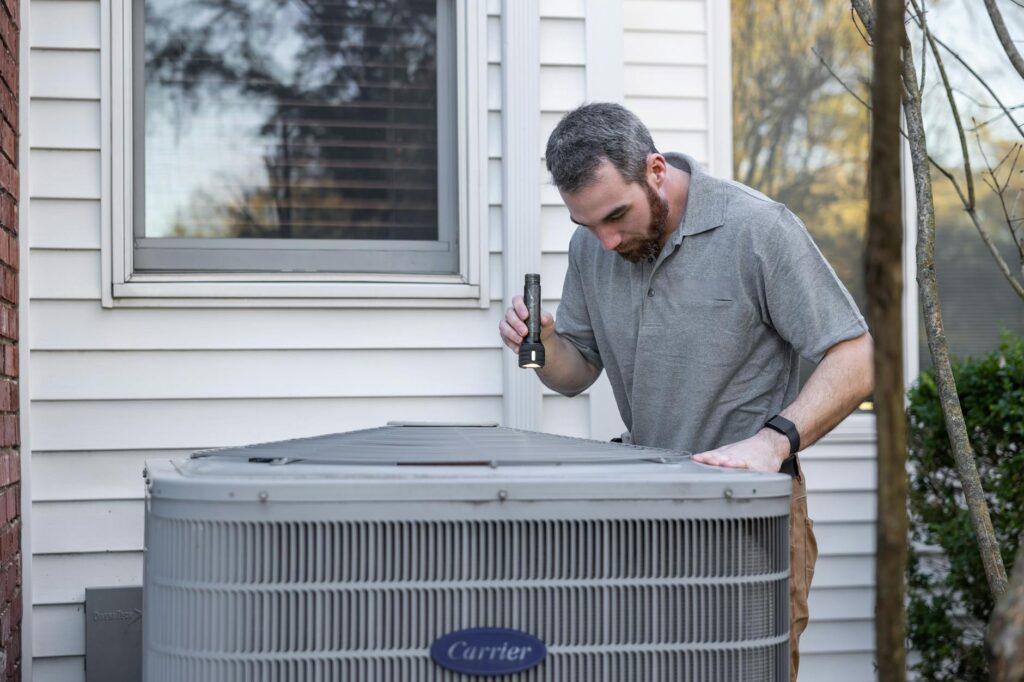
In plain English, government video inspection is a remote inspection. An inspector reviews a site through a phone, tablet, or laptop camera rather than driving out for every visit. For most agencies and CBOs, the common use case is permitting, code enforcement, housing, and follow-up compliance work.
Think of it like troubleshooting a sink over FaceTime. The inspector is still doing the same job, just from a screen instead of the curb.
How It Usually Works
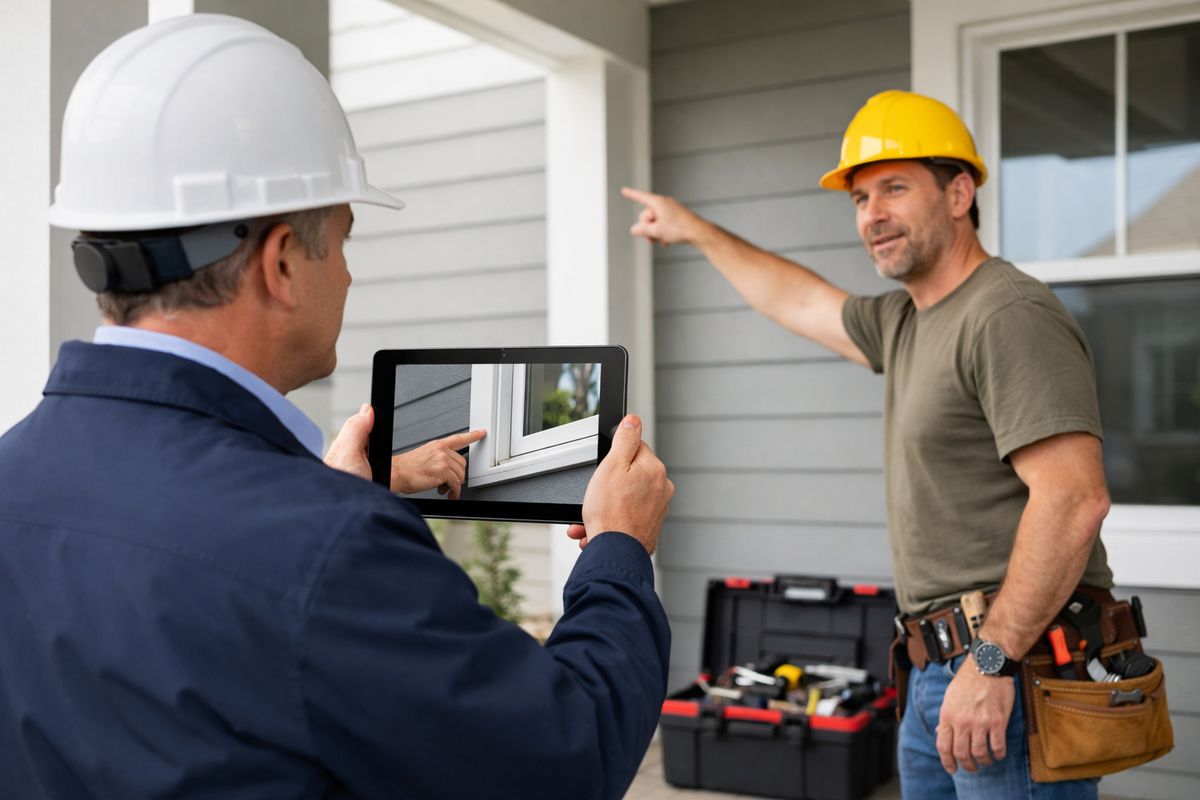
The flow is usually simple: schedule the inspection, confirm the site is ready, connect by video, guide the person onsite through what to show, capture evidence, and record the result. A “remote virtual inspection” is just the formal term for that process. An “onsite proxy” means the person at the property holding the device and showing the work, often a contractor, resident, or staff member. For a closer look at the workflow, seeing the remote process step by step helps.
What the Inspector Needs to See
This part matters more than the camera brand. The inspector needs approved plans, the permit, good lighting, a charged device, a clean lens, a stable signal, and clear views of the work. If the person onsite cannot show the right angle, the inspection stalls. That is why what affects clear inspection results matters just as much as video access.
Why Agencies and CBOs Are Using It
The biggest reason is simple: it saves time. Travel drops, backlogs shrink, and routine inspections become easier to fit into a packed day. In San Diego, the city reported more than 4,000 virtual inspections in 2025, which shows this is already normal public-sector work, not a pilot-era experiment.
Where It Fits Best
Video works especially well for electrical finals, water heaters, solar tie-ins, minor plumbing or mechanical work, housing checks, and follow-up compliance reviews. Some jurisdictions allow much broader use, while more complex jobs still belong in person. If your team is sorting candidates, where remote reviews make the most sense is a useful place to start.
What Can Go Wrong
Weak connectivity, shaky video, bad lighting, missing paperwork, privacy concerns, and vague instructions cause most failures. Here’s the thing: video inspection is not just a camera problem. It becomes a process problem fast when nobody is clear on roles, prep, or what must be shown.
Video Records and Privacy
Some government video has to be stored, reviewed, redacted, or released under records rules. That includes body-cam footage, security video, and meeting recordings. In some cases, blurring or audio masking is required before release, so privacy planning cannot be an afterthought.
What to Look for in Remote Inspection Software
Look for easy scheduling, secure video, photo capture, annotations, timestamps, exportable documentation, and a clean fit with your permit system. The catch is usability: if residents, contractors, or field staff need a training session just to join, the tool will slow you down. It also helps to review public-sector feature requirements before buying.
A Simple First Step
Pick one low-risk inspection type and run the full video workflow, from scheduling to recordkeeping. A small pilot shows fast whether your process saves time or just swaps one bottleneck for another. If you want to test it in a real workflow, start a Blitzz Trial.
Frequently Asked Questions
Is government video inspection the same as a virtual inspection?
Usually, yes. “Government video inspection” is the broader plain-English phrase, and “remote virtual inspection” is the more formal term used in permitting and code work.
Does video inspection replace in-person inspections?
No. It works best for the right scope of work. Complex, unsafe, or unclear conditions can still require an onsite visit.
Who usually holds the camera during the inspection?
Usually a contractor, resident, technician, or other onsite proxy. The inspector directs the person through the inspection in real time.
What if the signal drops during the inspection?
Most teams reschedule, switch to photos or recorded video if policy allows, or continue once the connection is stable. Poor connectivity is one of the most common failure points.
Does government video inspection create public records issues?
Yes, it can. Recorded sessions, photos, and related files may fall under retention, review, redaction, or release rules depending on your agency and use case.