Government software security is the mix of rules, habits, and technical controls that protect the software your agency depends on every day. If software helps you run inspections, store records, schedule field work, route citizen requests, or hold permit data, this topic is already part of your job, and understanding the basics makes it much easier to choose safer tools.
What Government Software Security Means in Plain English
Government software security covers the software you buy, build, configure, connect, and maintain. In plain terms, it means protecting the apps and systems that keep public work moving, plus the data and services attached to them. If an inspection platform stores photos, connects to permit records, sends links to residents, or lets staff join from the field, all of that sits inside the security picture.
That sounds broad because it is. Software security is not only about blocking hackers at the front door. It also includes who gets access, how updates are handled, what outside code is inside the product, where data lives, how activity is logged, and how quickly problems are caught. Think of it like building safety in a public office. Locks matter, but so do visitor logs, alarm systems, maintenance records, and knowing which doors should never be propped open.
Why it matters more in government than in a typical business
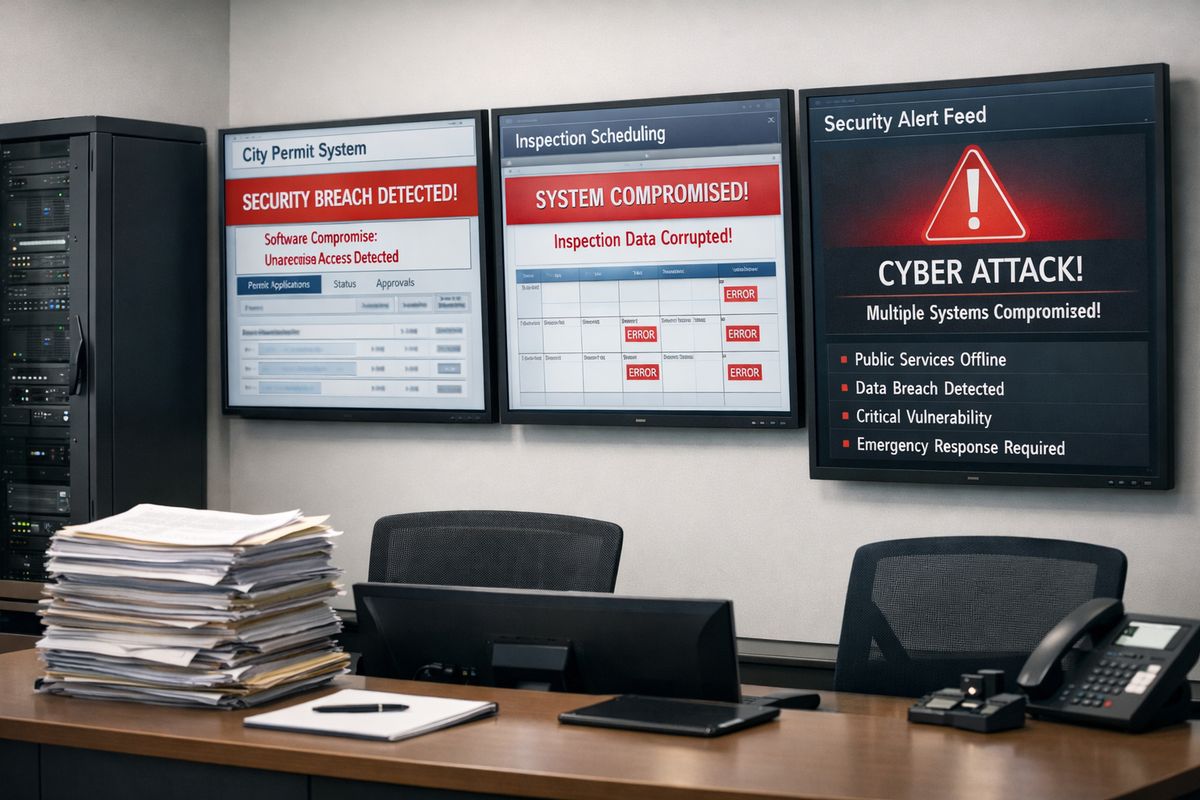
Government systems tend to hold sensitive information, support public services, and stay connected to older systems that cannot be swapped out overnight. That combination creates a messier risk picture than many private companies deal with. A single weak spot can affect permit operations, case records, inspection scheduling, communications, or public trust all at once.
Here’s the thing: this is not just an IT issue anymore. It is an operations issue, a service-delivery issue, and a trust issue. If your software goes down on a busy Tuesday afternoon at the permit desk, residents do not experience that as a “cyber event.” They experience it as a stalled service, a delayed approval, and a government office that feels unreliable.
Why Government Agencies Are Such Frequent Targets
Government agencies attract pressure because access is valuable. Attackers can steal personal data, interrupt services, demand ransom, gain leverage, or sit quietly inside systems for months gathering information. Some want money fast. Others want long-term access.
The volume alone is a warning sign. Public-sector systems are under constant pressure worldwide, and incidents tracked by CSIS’s cyber timeline show how often government networks appear in major campaigns. That pattern matters because it means your security posture has to assume attention, not obscurity.
The two main threat buckets: everyday crime and state-backed attacks
One bucket is familiar: phishing emails, stolen passwords, ransomware, weak admin settings, exposed remote access tools, and routine exploitation of known flaws. These attacks are common because they work. Somebody clicks the wrong link, reuses a password, or delays a patch, and the door opens.
The second bucket is more advanced: long-running, patient campaigns tied to state-backed groups. These attacks often aim for intelligence, leverage, or persistence rather than quick cash. The tactics are harder to spot because the goal may be to stay quiet, move slowly, and collect information over time.
You need defenses for both. A strong password policy alone will not stop a sophisticated campaign, but ignoring the basics because advanced threats exist is just as risky. Most real-world damage starts with something ordinary.
A concrete example: when one common platform turns into a government-wide risk
A good example came in 2025, when SharePoint flaws were exploited to breach U.S. government agencies and other organizations. The lesson is not “avoid popular tools.” The lesson is that when a widely used platform has a serious weakness, the blast radius gets big very fast.
That is why patching speed, asset visibility, and knowing where a product is used matter so much. If your agency cannot quickly answer “Where is this software running?” or “Who depends on it?” the technical problem turns into an operational scramble.
The Core Pieces of Government Software Security
At a basic level, government software security has to work before deployment, during daily use, and after something goes wrong. You are trying to reduce the chance of compromise, limit damage if compromise happens, and recover quickly without losing control of services or data.
That means paying attention to identity, secure development, monitoring, patching, and response. None of these pieces is flashy. All of them matter.
Identity controls: MFA, least privilege, and access checks
Multifactor authentication, or MFA, means signing in with more than a password. Maybe it is a code on a phone, a hardware key, or a push prompt. That extra step is one of the simplest ways to cut down account takeovers, especially when passwords get stolen through phishing or reuse.
Least privilege means giving each person only the access needed to do the job, nothing more. An inspector may need to upload photos and complete reports, but not change retention settings or create new admin accounts. A supervisor may need broader access, but still not full platform control. This matters because stolen accounts do less damage when permissions are tightly scoped.
Regular access checks finish the job. People change roles. Contractors leave. Temporary access quietly becomes permanent if nobody reviews it. Good identity control is not just about logging in safely. It is about making sure access still makes sense six months later.
Secure development and secure-by-design standards
Safer software starts long before procurement or rollout. Secure coding practices, threat modeling, code review, dependency management, and automated testing in CI/CD pipelines all help catch problems early, before flaws become incidents. That sounds technical, but the idea is simple: security should be built into the routine, not taped on at the end.
Secure-by-design means a vendor should not expect you to fix basic product weaknesses through heroic configuration. The product should come with sensible defaults, secure update processes, and clear boundaries around access and data handling. If you are comparing platforms, this is where public-sector software requirements become useful, because security features should be part of the buying baseline, not an afterthought.
Continuous monitoring, logging, and rapid patching
Security is never “set and done.” Software changes, threats change, staff change, and vulnerabilities keep showing up. In fact, more than 30,000 new CVEs were recorded in a recent year, which tells you how quickly exposure can grow.
Continuous monitoring means watching for unusual behavior, such as strange login patterns, unexpected admin changes, unusual data exports, or off-hours activity. Logging means keeping records that are detailed enough to investigate what happened later. Rapid patching means fixing known flaws quickly, and if a system cannot be patched right away, isolating it until you can reduce exposure.
Why Supply-Chain Security Is Now a Big Deal
A lot of security programs used to focus mainly on the network perimeter. Keep the bad traffic out, and you are safe. That model no longer covers enough ground because modern software is assembled from many moving parts.
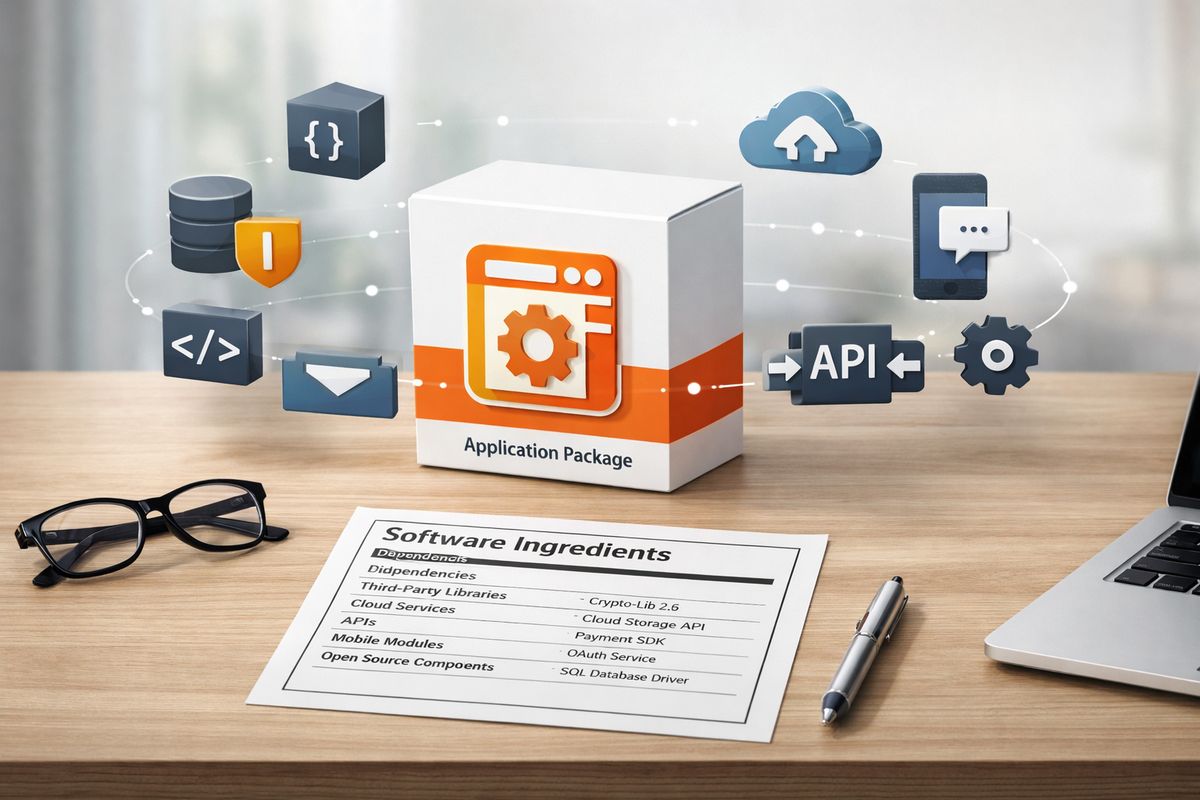
Your remote inspection platform probably includes third-party code, open-source libraries, cloud infrastructure, mobile components, APIs, file-storage tools, and external identity services. Risk can enter through any of them.
What a software supply chain actually includes
The software supply chain includes vendors, contractors, libraries, plugins, APIs, cloud services, firmware, mobile SDKs, update mechanisms, and build tools. If any one of those links is weak, the software you rely on can inherit that weakness.
This is why vendor security answers cannot stop at “yes, we encrypt data.” You also need to know what sits underneath the product, how unsupported components are tracked, and how updates are validated before release. If you are evaluating platforms for remote inspection work in government settings, supply-chain visibility should be part of the conversation from the start.
SBOMs and software attestations, without the jargon overload
An SBOM, or software bill of materials, is basically an ingredients label for software. It lists the components inside a product so you can see what is there, identify outdated parts, and respond faster when a known flaw affects a library or dependency.
A software attestation is a vendor’s formal statement that secure development practices were followed. In federal procurement, this has become much more than a nice extra. Under OMB M-22-18, agencies must gather evidence that third-party software aligns with NIST secure development guidance.
Why procurement is now part of your security strategy
Buying decisions shape risk long before deployment. If your contract never asks how a vendor handles vulnerabilities, dependency tracking, logging, or support timelines, you are already behind.
Procurement has become a security lever because governments can push vendors to prove secure development practices up front. That includes alignment with NIST SSDF, attestations, patch commitments, and, when relevant, SBOMs. Put simply, your security posture starts at the moment you decide what to buy.
The Standards and Frameworks You’ll Keep Running Into
A few names show up again and again in software-security conversations. You do not need to memorize policy documents, but you do need to know what each one is doing in the room.
NIST Cybersecurity Framework and SSDF
The NIST Cybersecurity Framework is the broad risk-management playbook. It helps organize work around identifying risks, protecting systems, detecting problems, responding to incidents, and recovering afterward. It is the map.
The Secure Software Development Framework, or SSDF, is narrower and more practical for software itself. It focuses on building software safely through secure design, code review, testing, dependency management, and release controls. It is the craft manual. When a vendor talks about secure development maturity, SSDF is often the more relevant reference.
Executive Order 14028 and OMB software guidance
Executive Order 14028 pushed federal agencies toward stronger software supply-chain controls, zero trust, secure cloud services, MFA, encryption, and better incident visibility. It also helped turn software security from a technical preference into a procurement expectation. The federal cybersecurity order matters because its ideas now show up in contracts, reviews, and software acceptance decisions.
The practical takeaway is simple: security requirements are increasingly part of buying, not just operating. Vendors are being asked to prove more.
A quick note on international alignment
This is not only a U.S. story. The UK’s Software Security Code of Practice and similar guidance point in the same direction: secure-by-design, timely patching, clear support commitments, and better supplier accountability. Different governments use different documents, but the trend is obvious. The minimum acceptable bar for software suppliers is rising.
What to Look For in Remote Inspection Software
This is where theory becomes useful. If you are evaluating remote inspection software, security should show up in the same places your staff will actually use the product: login, mobile access, photo uploads, video sessions, permit records, and admin controls.
Questions to ask before you buy
Start with practical checks. Does the platform support MFA for every user type, including admins? Can you enforce role-based access so inspectors, reviewers, supervisors, and contractors see only what they need? Is data encrypted in transit and at rest? Are audit logs detailed enough to show who accessed records, changed settings, uploaded files, or joined a session?
Then get into operations. How does the vendor handle vulnerability management? What patch timeline applies to serious issues? How long is data retained, and can retention be configured to match your policy? What happens during an incident, and how quickly will you be notified? If your team is comparing tools for secure video-based inspections, these questions should be on the shortlist from day one.
Red flags that deserve a second look
Vague answers are a red flag. So is a sales conversation that keeps security at the level of marketing slogans. If a vendor cannot explain third-party components, logging, admin controls, support windows, or patch practices in plain English, that deserves a pause.
Another problem is security hidden behind add-ons. MFA, audit logs, role controls, and basic visibility should not feel like luxury trim on a government platform. Watch out for unsupported legacy dependencies, unclear mobile-security practices, and “trust us” answers about incident response.
Security features that matter in day-to-day inspection work
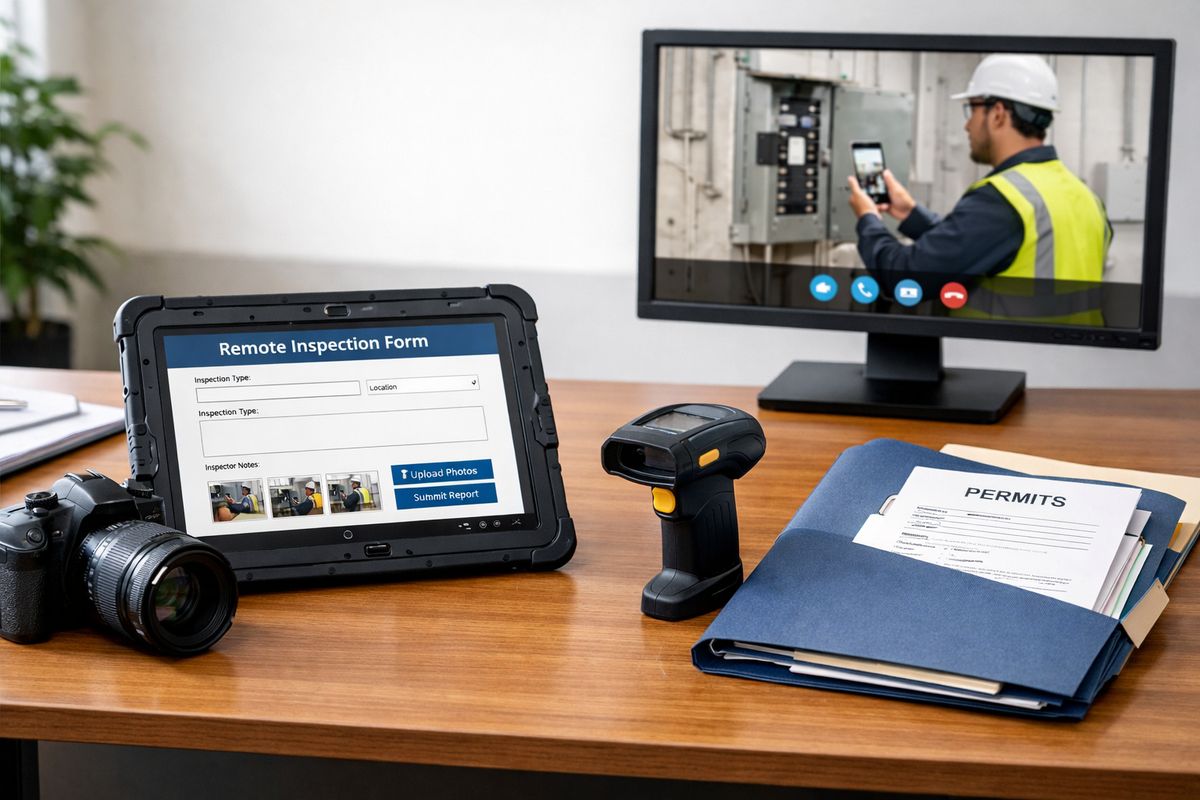
Real inspection work is messy in a very normal way. Staff log in from the field, upload photos from phones, review permit records between appointments, and switch between office and mobile connections all day. A secure platform has to support that reality without turning every task into a workaround.
Clean audit trails matter because inspections often involve follow-up, review, disputes, and records requests. Secure file handling matters because photos, documents, and videos can contain sensitive details. And mobile access matters because field staff cannot wait until returning to a desk. If you are sorting through features that support video inspections, focus on the controls attached to those daily actions, not just the demo flow.
Common Weak Spots in Government Environments
A lot of public-sector security problems come from constraints, not carelessness. Tight budgets, mixed environments, long replacement cycles, and inherited systems create friction that private software buyers often underestimate.
Legacy systems and the “can’t replace it yet” problem
Older systems often support important workflows, and replacing them is rarely fast. The catch is that legacy tools may be hard to patch, hard to integrate, and difficult to monitor cleanly.
When replacement is not realistic yet, the practical move is to reduce exposure. Segment the system from the rest of the environment. Use virtual patching or compensating controls where possible. Limit internet exposure and tighten access aggressively. It is not elegant, but it is often the right bridge.
Too many tools, not enough visibility
Agencies often inherit a patchwork of departments, contractors, platforms, and one-off integrations. Over time, nobody has a clean picture of every asset, every dependency, or every admin path.
That lack of visibility makes security slower and sloppier than it needs to be. You cannot patch what you cannot inventory. You cannot investigate what you do not log. You cannot assess vendor risk if you do not know which products are handling which records.
Human error is still part of the picture
People still click phishing links. Passwords still get reused. Updates still get delayed. Incidents still go unreported for too long because somebody hopes the problem will disappear on its own.
Training helps, but only when it feels like a routine safety habit instead of a scolding. The best programs keep it simple: spot suspicious prompts, report quickly, use MFA, avoid password reuse, and do not ignore odd behavior in software tools.
Common Misconceptions About Government Software Security
A few myths keep showing up in software reviews and internal discussions. Clearing them up early saves time.
“If it’s in the cloud, it’s already secure”
Cloud software can be very secure, but it is not automatically secure just because somebody else hosts it. The vendor handles part of the stack. You still control user access, configuration, retention settings, role design, and a lot of the day-to-day risk.
Cloud changes responsibility, not the need for responsibility.
“Compliance means the software is safe”
Compliance is a floor, not proof of healthy operations. A product can pass a checklist and still be badly configured, poorly monitored, or slow to patch. Software stays safe through follow-through, not paperwork alone.
“Only federal agencies need to worry about this level of security”
Local governments, counties, authorities, and CBOs are frequent targets too. If your systems hold personal data, support public services, or connect to outside partners, you have exposure. In 2023, 15 million people were affected by private data violation cases at U.S. government entities, and cities saw a large share of breach incidents. Smaller does not mean invisible.
A Simple First-Step Checklist for Your Team
You do not need a huge security overhaul to make progress. A few basics create immediate clarity and reduce obvious risk.
The must-check basics
Use this short checklist when reviewing current software or comparing a new platform:
- Turn on MFA for all users, especially admins
- Review admin roles and remove excess access
- Ask vendors for secure development evidence
- Request an SBOM when the product risk justifies it
- Confirm audit logging is enabled and usable
- Verify patch timelines for serious vulnerabilities
- Test incident-response contacts before a real incident
That list is intentionally basic. Basic is good. Basic is what gets missed.
If you try one thing this week
Pick one software vendor, ideally your remote inspection platform or a finalist on your shortlist, and ask a direct question: how are unsupported components tracked and patched? That single question tells you a lot, fast. A vendor with mature practices will answer clearly. A vendor without them usually gets foggy.
Frequently Asked Questions
What is government software security in one sentence?
It is the set of practices, policies, and technical controls that protect the software your agency uses, buys, builds, and connects to public services.
Why does software security matter so much for remote inspections?
Remote inspection tools handle logins, video, records, photos, documents, and location-flexible access. If any of that is weak, you risk exposing sensitive data, losing service continuity, or creating gaps in your audit trail.
What is the difference between an SBOM and a software attestation?
An SBOM lists the components inside software, kind of like an ingredients label. A software attestation is a vendor’s formal statement that secure development practices were followed.
Is MFA really necessary if a vendor already has strong passwords?
Yes. Passwords get stolen, reused, guessed, and phished. MFA adds a second checkpoint that sharply lowers the odds of an account compromise turning into a bigger incident.
Does cloud-based inspection software remove most security work for your agency?
No. The vendor secures part of the environment, but your agency still needs to manage access, retention, configuration, user behavior, and incident response on your side.
What is one practical sign that a vendor takes security seriously?
Clear, specific answers. If a vendor can explain patch timelines, logging, role-based access, third-party component tracking, and incident notification without hiding behind buzzwords, that is a strong signal.
Once you understand government software security, buying software gets clearer. You stop looking only at features and start looking at how safely those features hold up under real public-sector pressure. If you want to see how that looks in practice, try the Blitzz Trial and evaluate the platform with your own security questions in hand.